Pulse Instinct puts two options on screen and starts a two-second timer. Tap the one you prefer, or swipe left to skip. What you get back is the instinctive pick, not the answer someone has talked themselves into.
Runs in the browser · Phone and desktop · No download
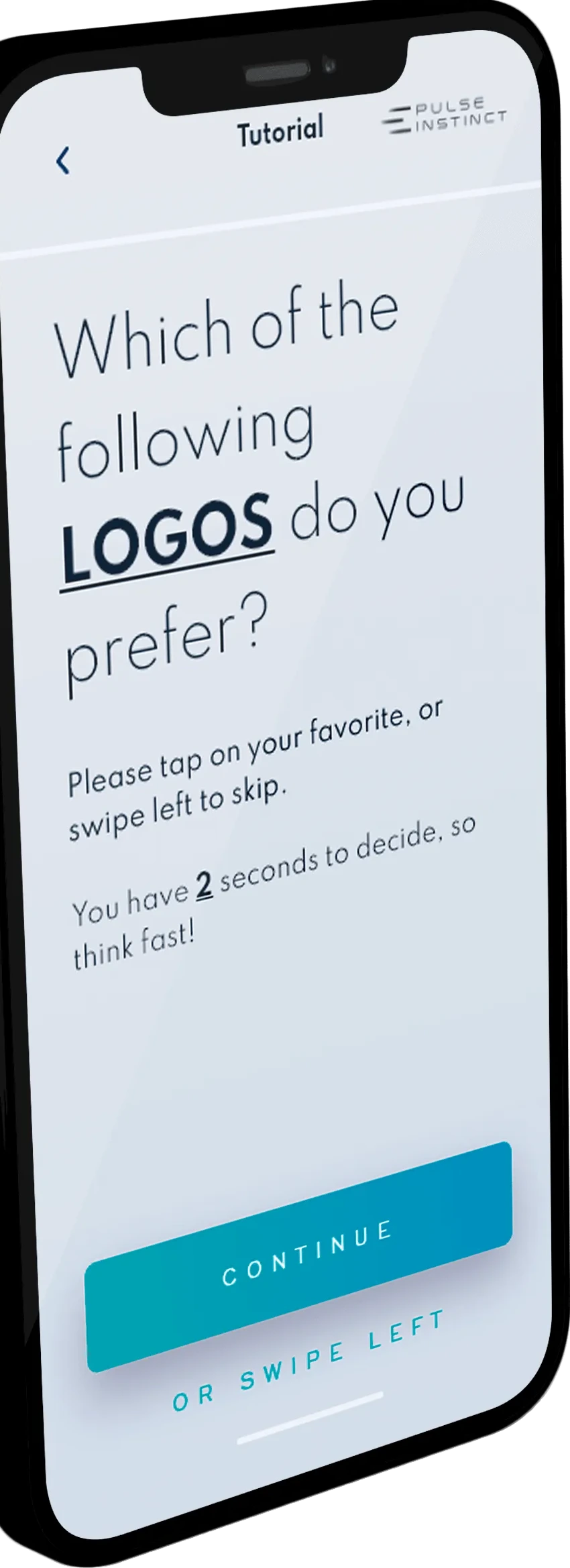
Build a test from pairs of images — logo directions, packaging, layouts, creatives. Two at a time, nothing else on screen.
The screen asks “which do you prefer?” and the timer starts. Tap your favourite, or swipe left to skip. Let it run out and the pair times out.
Every tap and every skip is recorded, so you see which option wins and which pairs people refuse to choose between.
If it can be shown as two images, it can be tested. Same question every time: which do you prefer?
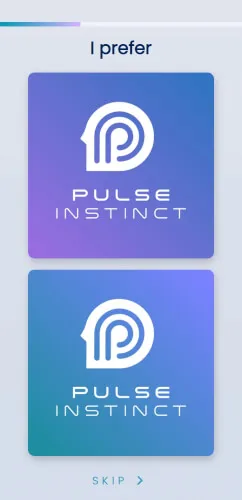
Putting a logo lockup or a colour treatment in front of people as a paragraph of description invites a debate. Putting the two versions side by side invites a choice.
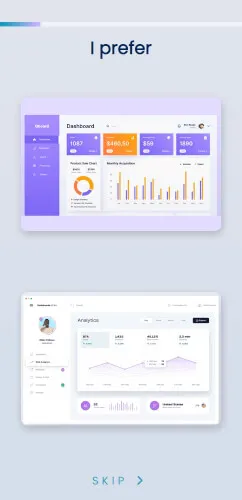
The same forced choice works for anything with a layout: dashboard designs, product shots, ad creatives, flyers and shelf mock-ups.
A considered answer and an instinctive one are different measurements. Pulse Instinct is built to capture the second one.

Pulse Instinct is a visual preference-testing app. It shows two options at a time with a two-second timer and records which one you tap, so the result reflects an instinctive choice rather than a considered one.
Two seconds. The screen asks which option you prefer, and if no answer is given before the timer runs out the card times out. You can also swipe left to skip a pair you have no view on.
Anything that can be shown as two images: logo directions, colour treatments, packaging, product shots, dashboard layouts, ad creatives and flyers.
No. Pulse Instinct runs in the browser, so a test can be opened on a phone or a laptop from a link.
Open app.pulseinstinct.com, sign in, and build your first test.
Build a test, share the link, and see which option people reach for first.
Open Pulse Instinct